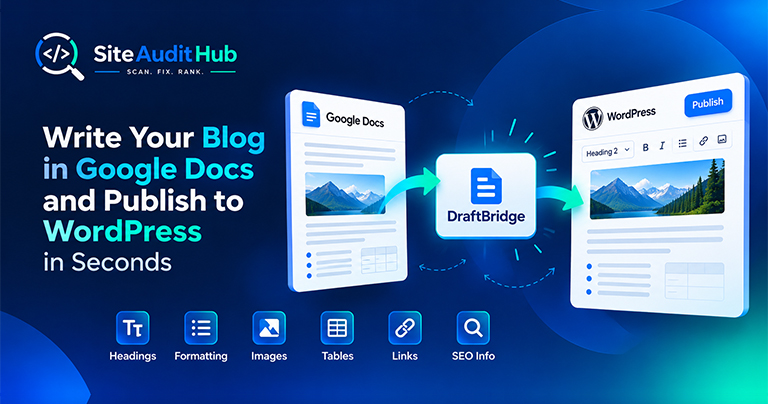
Google Docs to WordPress: 7 Easy Steps to Publish Faster
Learn how to prepare a blog in Google Docs and move it to WordPress while keeping headings, formatting, images, tables, links and SEO information organized.
Write your page title and meta description, see a live search result preview with pixel-width counters, and copy ready-to-paste meta, Open Graph and Twitter Card tags.
This is an approximation of a search result, made to check length and wording. The real result can look a little different.
Check how your snippet looks before it goes live, not after.
See your title, URL and description the way a search result shows them, on desktop and mobile widths.
Search engines cut titles by width, not by characters. The counters measure both, with a colour bar for each.
Get Open Graph and Twitter Card tags along with the title and description, so shared links look right too.
Add a canonical tag and noindex or nofollow settings when a page needs them, with a warning if noindex is on.
Short notes tell you when a title is too long, a description is too short, or a share image is missing.
Everything runs in your browser. Nothing you type is sent to our server.
Write a title and description that fit, read well and get clicked.
Your title tag is the blue headline people click in search results, and the meta description is usually the grey text under it. Together they are your first chance to tell someone that your page has what they are looking for. A clear, well-sized pair can earn more clicks even without moving up a single position.
Search engines cut titles by width on screen, not by a fixed number of characters. A title full of wide letters like M and W runs out of room sooner than one with narrow letters like i and l. That is why this SERP preview tool shows both characters and pixels, with a bar that turns green when the length is in a good range, amber when it is short, and red when it will likely be cut off.
The preview is an approximation made to check length and wording. The real result can show extra items like dates, ratings or site links, and Google sometimes rewrites titles that do not match the page well.
Keep these points next to you while you type in the meta description generator above.
Ticking Open Graph and Twitter Card adds the tags that control how links look when shared on Facebook, LinkedIn, WhatsApp and X. Use a 1200 × 630 pixel image for the best result. The robots options let you mark a page as noindex or nofollow when you need to, for example on thank you pages or internal search results. Leave them on index and follow for any page you want people to find.
Once the tags are live, run the page through the link preview check to confirm that every network picks them up correctly.
Official reference: Google's guide to meta descriptions and snippets explains when Google uses your description and when it writes its own.
Answers on title width, description length and why Google sometimes rewrites your snippet.
Aim for about 50 to 60 characters, or under roughly 600 pixels wide. Wide letters like W and M take more space, which is why the tool shows pixels as well as characters.
Around 120 to 155 characters works well on desktop. Put the most important part in the first 120 characters, since mobile results show less.
Not always. Google sometimes picks text from the page instead, often when the description does not match the search. A clear, accurate description is still used most of the time.
Inside the <head> section of the page. In WordPress, an SEO plugin like Rank Math or Yoast has fields for the title and description, so you usually copy just the text into those fields.
No. Google has ignored the meta keywords tag for years, so this generator does not create one.
1200 × 630 pixels is the safest choice for Facebook, LinkedIn, X and WhatsApp. Keep it under 1 MB.
Same free, no-signup approach, pick whichever check you need next.
Count words and find the terms and phrases a page or text uses most, with the density of each.
Try it →See the status code, redirect hops and every response header a URL sends back.
Try it →Test whether a URL is blocked for Googlebot and build a clean robots.txt file.
Try it →Guides and breakdowns to help you rank better.
Learn how to prepare a blog in Google Docs and move it to WordPress while keeping headings, formatting, images, tables, links and SEO information organized.

If you run a website, chances are you don’t want people to inspect your code, copy-paste your content, or steal your images. The browser’s Inspect Element (F12) and Right-Click menu make it very easy for users to copy content or view the source code.

Uncover hidden elements silently hurting your SEO. Our Hidden Element Checker finds and fixes these invisible issues before they damage your traffic, rankings, and conversions.
Run every check on your site in one go with the free full site audit.
Run a full site audit →