Google Docs to WordPress: 7 Easy Steps to Publish Faster
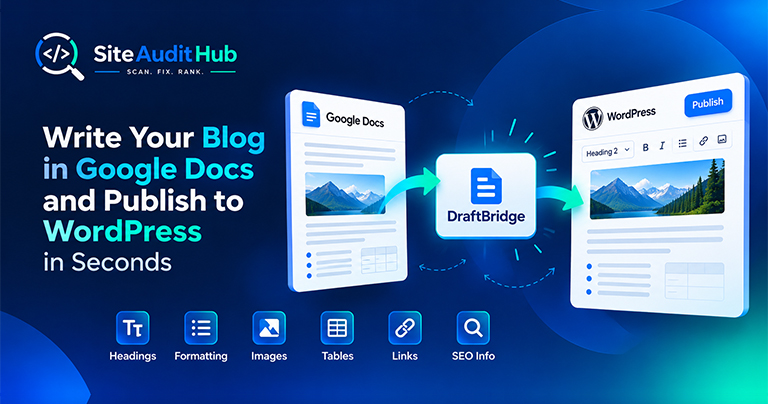
Learn how to prepare a blog in Google Docs and move it to WordPress while keeping headings, formatting, images, tables, links and SEO information organized.
Seven free audit tools and two browser extensions that catch missing tags, dead links, hidden scripts and bloated images, before they cost you rankings.
Most audit tools make you sign up before showing a single result. Ours doesn't. Paste a URL, wait a few seconds, and read a report written in plain English, not a wall of technical jargon only an engineer could love.
Drop in any web page, yours or a client's. Nothing to install.
Our crawler follows every internal link against 10+ audit rules.
A plain-English list of what's broken, ranked by priority.
Run each check separately or work through them like a pre-launch list.
Scan any page and surface missing meta tags, broken heading structure, and keyword gaps.
Run tool →Crawl your site and flag every 404 before your visitors, or Google, find them first.
Check now →Trace redirect chains across your pages and catch loops or unwanted hops.
Trace redirects →Scan your homepage for malware signatures, malicious scripts, and hidden iframes.
Scan for threats →Reveal elements set to display:none, the kind of cloaking that gets sites penalized.
Find elements →Generate a clean XML sitemap so crawlers index every page, not just some.
Generate sitemap →Some checks are easier to run right on the page you're looking at, instead of pasting a URL into a separate tab. That's what these two extensions are for, same audit logic, one click away, wherever you're browsing.
Color picker, font inspector, page ruler, tech detector, SEO analyzer, image compressor and screenshot & annotate.
Point it at any Shopify storefront and instantly see what's powering it, theme, apps and tech stack.
SiteAuditHub doesn't care what your site is built on. Point any tool at any URL, WordPress, Shopify, a static site, a React app, and get the same clean, honest report every time.
Every tool works from a plain URL. Nothing to configure, no key to generate, no rate-limit dashboard to babysit before your first scan.
Reports are structured so they're easy to scan visually or hand straight to a client, not raw JSON you have to format yourself.
The Chrome extensions run entirely in the browser. No server round-trip for things like color picking or font inspection.
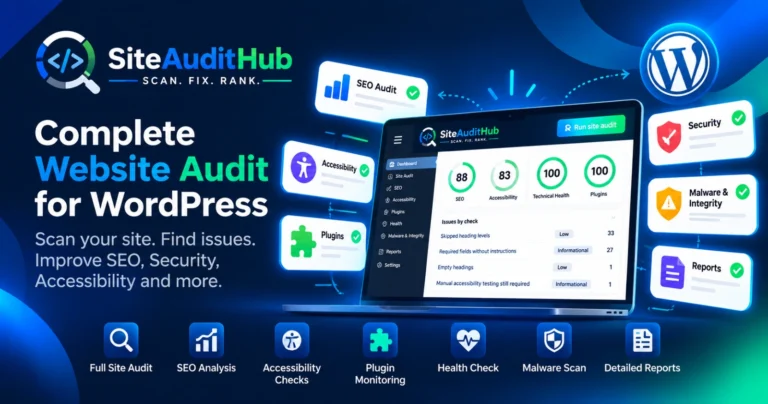
Dozens of technical checks, boiled down to a score and a ranked list of fixes.
We built SiteAuditHub because most "free" audit tools aren't really free, they ask for an email, a login, or a card before showing a single result. Ours doesn't, and that's on purpose.
Most scans return a full report in under ten seconds. We don't queue your request behind a paywall or a waitlist, you paste a URL and the crawler starts immediately.
We don't create an account for you, we don't save your scan history, and we don't email you about it later. The URL is fetched, analyzed, and forgotten.
Every report explains what's wrong in plain English and tells you what to fix first, not a raw dump of technical flags only a developer could decode.
SEO, links, redirects, malware, hidden content and sitemaps, all seven tools share the same design and the same report format, so nothing feels bolted on.
Guides and breakdowns from the team behind these tools.
Learn how to prepare a blog in Google Docs and move it to WordPress while keeping headings, formatting, images, tables, links and SEO information organized.
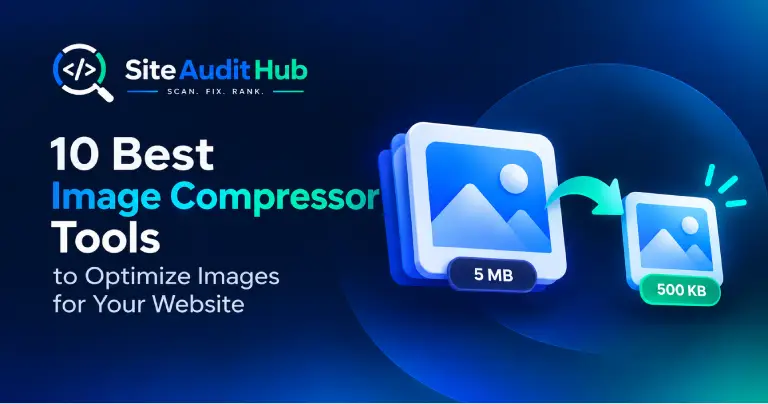
Images are one of the biggest causes of slow websites. In this guide, we compare the 10 best image compressor tools to help you reduce image file sizes, improve page speed, and maintain image quality. Whether you need a quick Image Compressor for online optimization, a WordPress solution, or a tool for specific image formats and workflows, these options can help you optimize images without sacrificing too much quality.
Available now: Install Store Inspector for Shopify from the Chrome Web Store — free, no account required. You land on a Shopify store, and it just works. Clean design, fast checkout, a review widget that actually looks good. So what’s it running? Which theme, which apps, which tracking scripts? Normally you’d have to open dev […]
Real feedback from developers, marketers, and site owners who run these tools every week.
"Found 40+ broken links on a client's site in under a minute. Would've taken me an afternoon manually."
"The hidden element checker caught cloaked text I genuinely didn't know existed on my own site."
"DevKit Pro's color picker and font inspector alone save me a good hour every day."
"Ran the redirect checker on an old client site and found a 5-hop chain nobody had noticed in years."
"I'm not technical at all, but the SEO Analyzer explained exactly what to fix in plain English."
"Found 40+ broken links on a client's site in under a minute. Would've taken me an afternoon manually."
"The hidden element checker caught cloaked text I genuinely didn't know existed on my own site."
"DevKit Pro's color picker and font inspector alone save me a good hour every day."
"Ran the redirect checker on an old client site and found a 5-hop chain nobody had noticed in years."
"I'm not technical at all, but the SEO Analyzer explained exactly what to fix in plain English."
"No login walls, no upsells. Just a clean, useful report I could hand straight to my client."
"Fast, free, and it actually tells you what to fix first instead of just dumping a list of problems."
"Replaced three separate Chrome extensions I was juggling before. One toolbar now, that's it."
"Store Inspector showed me exactly which apps a competitor's store was running. Genuinely useful for research."
"Compressed 30 blog images in one go with the Image Compressor. Page load time actually dropped."
"No login walls, no upsells. Just a clean, useful report I could hand straight to my client."
"Fast, free, and it actually tells you what to fix first instead of just dumping a list of problems."
"Replaced three separate Chrome extensions I was juggling before. One toolbar now, that's it."
"Store Inspector showed me exactly which apps a competitor's store was running. Genuinely useful for research."
"Compressed 30 blog images in one go with the Image Compressor. Page load time actually dropped."
Quick answers to what people usually ask before their first scan.
It scans your site to detect SEO errors like missing tags, slow-loading pages, and broken links.
Yes, every tool and both extensions are free, no registration required.
Missing meta tags, broken links, duplicate content, heading issues, malicious scripts and more.
No, every tool and both browser extensions work the moment you land on the page. No signup, no login, no email required.
Yes, WordPress, Shopify, React, static HTML, or anything else. Every tool works from a plain URL, regardless of what your site is built on.
No. The URL you submit is fetched, analyzed, and forgotten, we don't keep a history of your scans or share your data with anyone.
Most scans finish in under ten seconds. There's no queue, no waitlist, you paste a URL and the crawler starts right away.
No account, no credit card, no catch.