
How to Block AI Crawlers With robots.txt (Without Losing AI Search Traffic)
A simple guide to block AI crawlers that train AI models while still allowing the AI search bots that can send visitors to your website.
Practical guides on SEO, broken links, redirects, malware and everything else our tools check for, written for site owners, not just developers.
A simple guide to block AI crawlers that train AI models while still allowing the AI search bots that can send visitors to your website.
Is your website not showing on Google? Here are 12 common reasons, from noindex tags to crawled currently not indexed, and how to fix each one.

A practical website security audit checklist with 15 checks you can run yourself, from updates and malware scans to SSL, backups, logins and hidden spam.
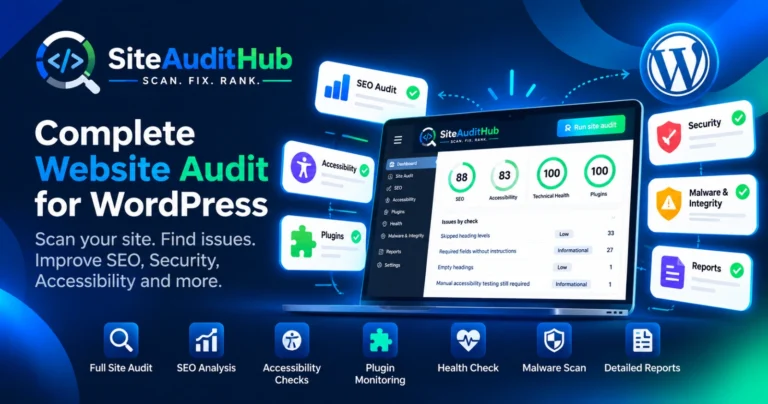
SiteAuditHub is a free WordPress site audit plugin that scans your whole site for SEO errors, accessibility gaps, health warnings and malware, then lists every fix in plain words on one dashboard.
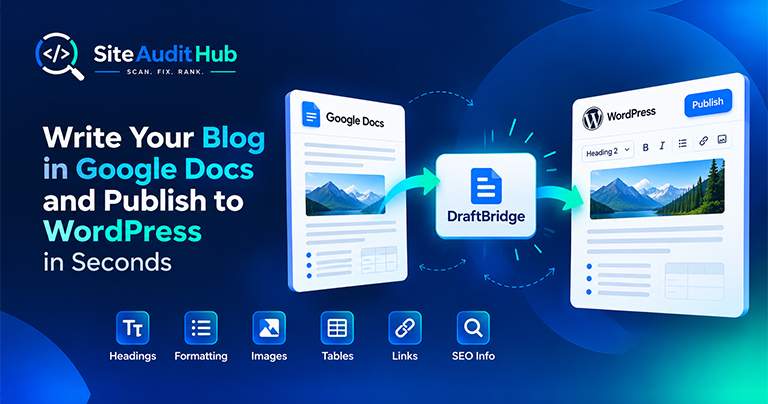
Learn how to prepare a blog in Google Docs and move it to WordPress while keeping headings, formatting, images, tables, links and SEO information organized.
Images are one of the biggest causes of slow websites. In this guide, we compare the 10 best image compressor tools to help you reduce image file sizes, improve page speed, and maintain image quality. Whether you need a quick Image Compressor for online optimization, a WordPress solution, or a tool for specific image formats and workflows, these options can help you optimize images without sacrificing too much quality.
Available now: Install Store Inspector for Shopify from the Chrome Web Store, free, no account required. You land on a Shopify store, and it just works. Clean design, fast checkout, a review widget that actually looks good. So what’s it running? Which theme, which apps, which tracking scripts? Normally you’d have to open dev tools, […]
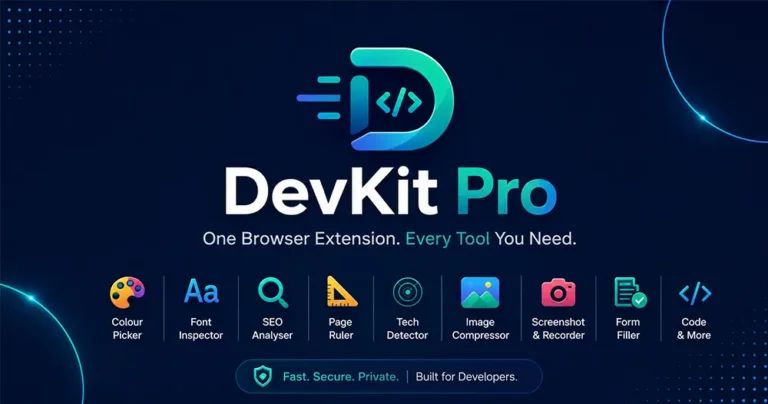
Juggling a color picker, font inspector, SEO checker, and screenshot tool across five different extensions? DevKit Pro combines all seven into one lightweight browser extension, so every check, measurement, and capture you need is just one click away. Introduction: Too Many Tabs, Too Many Extensions If you build, design, or market websites for a living, […]
If your website is loading slowly or your images are too large, using an Image Compressor Online tool is one of the fastest and most effective solutions. In today’s digital world, website speed plays a crucial role in user experience and SEO rankings. Large image files can significantly slow down your site, increase bounce rates, […]

If you run a website, chances are you don’t want people to inspect your code, copy-paste your content, or steal your images. The browser’s Inspect Element (F12) and Right-Click menu make it very easy for users to copy content or view the source code.

Uncover hidden elements silently hurting your SEO. Our Hidden Element Checker finds and fixes these invisible issues before they damage your traffic, rankings, and conversions.

Protect your site and visitors with our Free Virus Checker Tool. Scan your website in seconds to detect hidden malware and threats before they harm your reputation or rankings.

Scan your site for hidden malware with our Free Website Virus Checker. Detect malicious code, security loopholes, and stealth threats before they steal data or harm your visitors.
Broken links silently ruin your SEO, lower rankings, and frustrate users. Use our Broken Link Analyzer tool to detect and fix 404 errors instantly. Keep your website clean, SEO-optimized, and trusted by both users and search engines.
Learn how to fix 404 errors and detect broken links with our Broken Link Checker. Enhance your website's SEO, retain visitors, and effortlessly boost search engine rankings.
Run a free scan and see exactly where your own site stands.
Explore all tools →